

skip to content
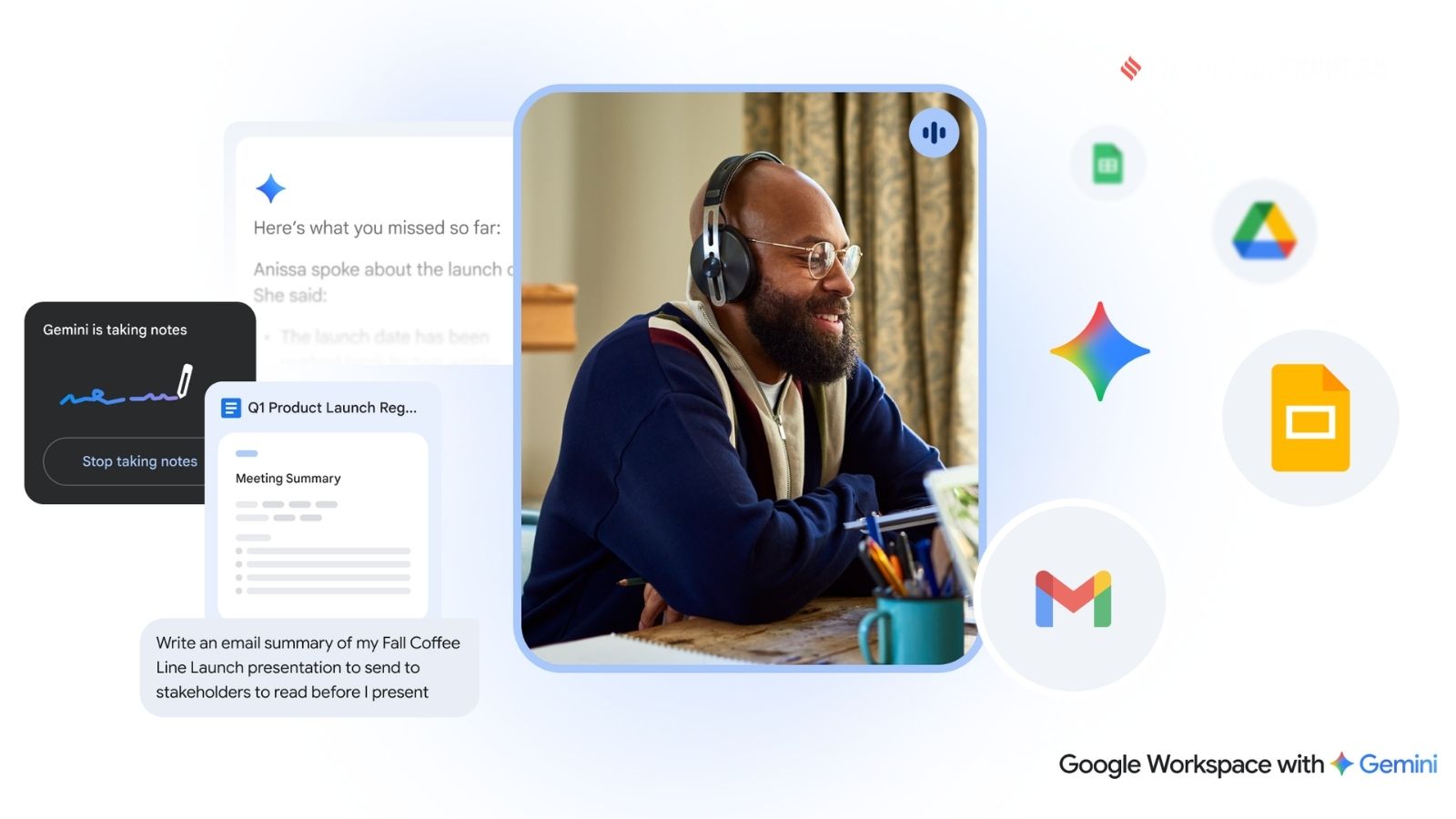
Gemini integrates across Google Workspace apps, including Gmail, Docs, Sheets, Slides, and Meet. (Image: Google)
Google has shared a practical guide highlighting how businesses can use Gemini to improve productivity, simplify routine tasks, and free up employees for more strategic work. The company says organisations that successfully integrate AI into everyday workflows see improvements in creativity, collaboration, and efficiency.
Here are 11 practical ways teams can use Google Workspace with Gemini.
-
It all starts with better AI prompts
Google says effective prompting is the foundation of using Gemini successfully. To get the most relevant responses, users should include four elements in every prompt: define the role Gemini should play (Persona), clearly explain the task, provide relevant context or supporting documents, and specify the desired response format, such as bullet points, tables, or emails.
-
Ask Gemini to improve your prompts
Users who struggle to write detailed prompts can simply ask Gemini to improve them. Google recommends using commands such as “Make this a better prompt” followed by the original request. Users can also attach files from Google Drive or use Gemini directly inside Workspace apps like Gmail, Docs, and Sheets to provide better context and receive more accurate responses.
-
Organise research faster with NotebookLM
NotebookLM helps teams analyse large volumes of information without manually reviewing lengthy documents. Employees can upload reports, research papers, or technical manuals and ask Gemini to summarise findings, identify common themes, or answer questions, making research and decision-making much faster.
-
Draft project briefs in seconds
Instead of starting with a blank page, Gemini in Google Docs can generate project proposals, briefs, and reports within seconds. The AI can also reference existing files stored in Google Drive, allowing organisations to create documents based on previous research and internal information.
-
Automatically create project trackers
Gemini in Google Sheets can instantly build structured project trackers from simple text prompts. It can organise timelines, stakeholder information, risk assessments, and even generate charts, reducing the time spent on formatting spreadsheets and allowing teams to focus on execution.
-
Generate custom presentation images
Rather than searching for stock photos, users can ask Gemini to create original images for presentations in Google Slides. These AI-generated visuals can be customised to match the presentation topic, helping teams create more engaging and personalised slides.
-
Improve presentation design instantly
Google says Gemini can also enhance slide designs automatically. Using features such as “Beautify This Slide,” users can quickly improve layouts and formatting while keeping the original content and messaging unchanged, saving time on manual editing.
-
Simplify meeting scheduling
Gemini can help users schedule meetings directly from Gmail without switching between multiple apps. It suggests available time slots while drafting emails, making it easier to coordinate meetings with colleagues, clients, and external partners.
-
Let Gemini handle meeting notes
During Google Meet sessions, Gemini can automatically take notes, identify action items, and summarise key decisions. After the meeting, it can also generate follow-up emails, allowing participants to stay focused on discussions instead of note-taking.
-
Catch up instantly during meetings
For participants joining meetings late, Gemini can privately generate a summary of everything discussed till then. Users can also ask follow-up questions to understand what they missed without interrupting the ongoing conversation.
-
Draft better emails with AI
Gemini in Gmail helps users write professional emails more quickly by drafting messages, refining wording, and suggesting alternative tones for sensitive communications. Google says this helps employees communicate more clearly with colleagues, customers, and business partners.
Bonus: Create custom AI experts with Gems
Google also recommends using Gems, which are custom AI assistants built for repetitive tasks. Teams can create specialised Gems for functions such as email writing or social media content, train them using company-specific information, and share them across the organisation to improve consistency and productivity.
Disclaimer
© IE Online Media Services Pvt Ltd
- Welcome to the Jungle Box Office Collection Day 2 Live Update: Akshay Kumar’s film crosses Rs 50 cr mark worldwide3 minutes ago
- Jordan vs Argentina Score, FIFA World Cup 2026 LIVE Updates: Messi scores as ARG beat JOR 3-16 minutes ago
- US-Iran War Live Updates: Iran, US continue escalating attacks, recriminations over peace deal8 minutes ago
- CBSE Class 10 Result 2026 Second Board Exam Live Updates: Results by month end at cbseresults.nic.in13 minutes ago
- India News LIVE Updates, 28 June 2026: Trump Warns US Will ‘Complete The Job’ If Iran Breaches Ceasefire, 6.1 Quake Rattles Japan, 5.6 Quake Hits Venezuela Days After Twin Disasters17 minutes ago
