
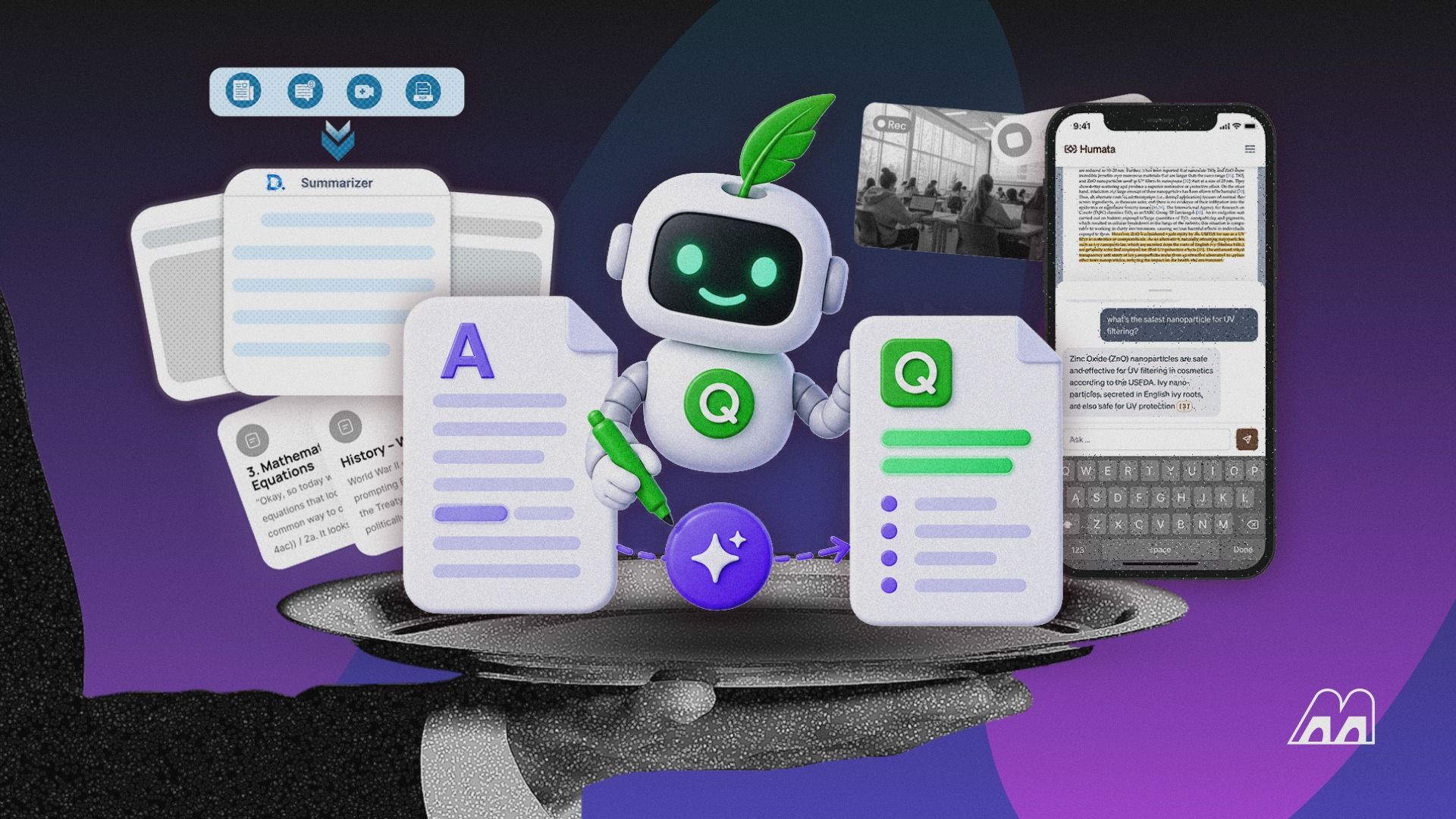
Google’s free notebook tool, now calledGemini Notebookin Google’s help pages and still widely known asNotebookLM, can hold50 sources of up to 500,000 words eachin a single notebook. That’s more reading than most people do in a year, and it costs nothing. However, it’s not the right tool for a Zoom call, a 1,000-word news story or a 40-page contract you’d rather not upload to a free consumer app. So thebest AI summarizerreally depends on what you’re summarizing: documents, meetings, research papers or quick chunks of text. Here’s which tool wins each job in November 2026, how much each one can read at once, and what happens to the files you upload.
Disclosure: Memeburn may earn a commission from some links on this page. It doesn’t affect our picks.
The Short Answer: Pick by What You’re Summarizing
| What you need to summarize | Our pick | Runner-up | Free option? |
| Stacks of PDFs, notes and web pages | Gemini Notebook | Claude | Yes |
| Anything, quickly, in one chat | ChatGPT | Claude | Yes |
| One very long report or book | Claude | ChatGPT Plus | Yes, with limits |
| A short article or essay | QuillBot | ChatGPT | Yes, 1,200 words |
| Meetings and calls | Otter.ai | Fireflies.ai | Yes, with minute caps |
| Academic papers | Scholarcy | Gemini Notebook | 7-day trial |
| Notes already in Notion | Notion AI | — | Trial only |
How We Chose These Summarizers
Our rankings draw on research into how real people use these summarizers for school, work and meetings. We studied and compiled user experiences, published reviews and independent comparisons, then checked each tool’s official limits and prices as of November 6, 2026. We also looked at what kinds of input each tool accepts and each company’s stated policy on using your data for AI training. On top of that, we added our own judgment on which tool suits which reader. Where a number comes only from the company, we’ve said so.
We also left out tools whose current pricing we couldn’t confirm, which is why a few names from other lists aren’t here.
The 8 Best AI Summarizers, Ranked
1. Gemini Notebook (NotebookLM): Best AI Summarizer Overall
- Price:Free; more capacity with Google AI Plus (4.99/mo),Pro(19.99/mo) or Ultra (from $99.99/mo)
- Limits:Free plan holds 100 notebooks, 50 sources per notebook, up to 500,000 words or 200MB per source; Pro raises it to 500 notebooks and 300 sources each
- Best for:Students, researchers and anyone summarizing many documents at once
Gemini Notebook is the summarizer we’d start with, because it stays grounded in your own files and shows you where each answer came from.You add sources such as PDFs, Google Docs, web pages or pasted text, then ask for a summary, a study guide or answers to specific questions. Every answer links back to the passage it used, so you can check it in seconds rather than trusting a paragraph blindly.
That citation habit is what makes it stand out for us. General chatbots summarize well, but they don’t always show their working. Here, if the summary says a report found something, you can click and read the exact sentence.
Google’splan limits for Gemini Notebookare generous even for free users. The trade-off is that it’s a workspace, not a quick tool, so pasting one article into it feels like overkill. Also, the rename is still settling in: you’ll see both NotebookLM and Gemini Notebook in Google’s own pages.
| Pros | Cons |
| Free plan reads huge amounts of material | Overkill for one short article |
| Answers cite the exact source passage | Doesn’t join meetings or record audio live |
| Handles PDFs, Docs, web pages and text | Branding change can be confusing |
2. ChatGPT: Best All-Round AI Summarizer
- Price:Free; Plus $20/mo; cheaper Go and pricier Pro tiers also available
- Limits:Files up to 512MB and 2 million tokens per document; about 12 pages per question on Free and about 40 on Plus in the fast mode, up to about 320 pages on Plus with reasoning
- Best for:Quick summaries of anything you can paste, upload or link
ChatGPT is the most flexible summarizer here: paste text, upload a PDF or spreadsheet, or share a photo of a page, and ask for whatever format you want.A three-bullet version, a summary for a 10-year-old, a table of key dates; it handles all of them well. ChatGPT can alsoconnect to iCloud Mail and Calendar, which turns it into a summarizer for your inbox, not just your files.
The limit to watch is how much it reads per question. OpenAI’s pricing page lists about12 pagesof input per message on the free plan in its fast mode, compared with about40 pageson Plus. So a free user who uploads a 60-page report may get a summary that misses later sections. Switching to a reasoning model on a paid plan raises that to about320 pages.
On privacy, OpenAI says consumer chats can be used to train its models, with an opt-out in settings. Itsfile upload FAQalso lists the size caps above.
| Pros | Cons |
| Accepts text, PDFs, spreadsheets and photos | Free plan reads only about 12 pages per question in fast mode |
| Summaries in any format you ask for | Consumer chats can train models unless you opt out |
| Connects to iCloud Mail and Calendar | Doesn’t always point to the passage it used |
3. Claude: Best for Long Reports and Careful Summaries
- Price:Free; Pro $20/mo or $17/mo billed yearly; Max from $100/mo
- Limits:Context window up to 1 million tokens on some models; free use resets every five hours with weekly caps
- Best for:Long contracts, reports and books where nuance matters
Claude is our pick when the document is long and the details matter.A context window is how much text an AI can consider at once, and Anthropic lists up to1 million tokensfor some models. By the common rule of thumb that a token is about three-quarters of a word, that’s in the hundreds of thousands of words, so a long report can fit in one go.
In our view, Claude’s summaries also tend to keep caveats and exceptions that shorter summaries drop, which matters for contracts, policies and research. Google has even addedClaude inside Geminifor some users, so you may be able to use both in one place.
The free plan’s usage limits reset every five hours and also have weekly caps, so heavy users will hit walls. Like ChatGPT, consumer plans let Anthropic train on your chats unless you opt out; Team and Enterprise plans don’t by default.
| Pros | Cons |
| Context window up to 1 million tokens on some models | Free usage resets every five hours, with weekly caps |
| Tends to keep caveats and exceptions, in our view | Consumer chats can train models unless you opt out |
| Team and Enterprise plans don’t train on your data by default | Max plan starts at $100 a month |
4. QuillBot Summarizer: Best Free Tool for Short Text
- Price:Free; Premium $8.33/mo billed yearly
- Limits:1,200 words per summary free, 6,000 with Premium
- Best for:Students and readers summarizing articles and essays
QuillBot is the quickest way to shrink a short article without signing up for a chatbot.Paste up to 1,200 words, roughly four or five pages, and choose a key-sentence summary or a paragraph. Premium raises the limit to 6,000 words and adds custom summaries.
It’s a simple tool, so don’t expect it to answer follow-up questions or read a 50-page PDF. For a single news story or essay, though, it’s fast and free.
| Pros | Cons |
| Free, with no chatbot or account setup needed | 1,200-word limit on the free plan |
| Fast key-sentence or paragraph summaries | No follow-up questions |
| Premium costs $8.33 a month billed yearly | Not built for long PDFs |
5. Otter.ai: Best AI Summarizer for Meetings
- Price:Basic free; Pro $8.33/user/mo yearly or $16.99 monthly; Business $19.99/user/mo yearly
- Limits:Free 300 minutes a month and 30 minutes per <a href="https://bitcomme.com/in-<a href="https://bitcomme.com/in-conversation-with-nuno-matos-2/” title=”In conversation with Nuno Matos”>conversation-with-nuno-matos-3/” title=”In conversation with Nuno Matos”>conversation; Pro 1,200 minutes and 90 minutes per conversation; Business up to 4 hours per conversation
- Best for:Freelancers and small teams with regular calls
Otter is the most practical choice when the thing you need summarized is a conversation.It joins Zoom, Google Meet or Microsoft Teams calls, transcribes them and writes a summary with action items. You can then ask its AI Chat questions like “What did we agree about the deadline?”
| Pros | Cons |
| Joins Zoom, Google Meet and Teams calls | Free plan stops at 30 minutes per conversation |
| AI Chat answers questions about past meetings | Only 3 lifetime file imports on the free plan |
| About $0.42 per meeting hour on Pro, by our math | Pro costs $16.99 a month if billed monthly |
6. Fireflies.ai: Best for Teams That Care About Privacy
- Price:Free; Pro10/seat/moyearly(18 monthly); Business19/seat/moyearly(29 monthly)
- Limits:Free plan includes unlimited transcription with limited AI summaries and 400 minutes of team storage
- Best for:Sales and support teams with many recorded calls
Fireflies is Otter’s closest rival, and its pitch to companies is privacy.It says it keeps zero data for AI training and never uses your data to train models, and it lists SOC 2 Type II security certification. Those are company claims, but they’re the kind of commitments your IT team will ask about.
The free plan is more generous on transcription than Otter’s, yet summaries are limited, so most teams will need Pro.
| Pros | Cons |
| Unlimited transcription on the free plan | AI summaries are limited on free plan |
| Says it never trains AI on your data | Privacy claims come from the company itself |
| SOC 2 Type II security certification | Most teams will need a paid seat |
7. Scholarcy: Best for Academic Papers
- Price:Paid plans with a 7-day free trial (check current pricing at checkout)
- Features:Summary flashcards, key findings, literature matrix, and one-click bibliographies
- Best for:Students and researchers reading many papers
Scholarcy is purpose-built for research papers, and that focus shows.Rather than one block of text, it breaks a paper into key findings, methods, and limitations, and creates flashcards you can export. Its literature matrix also compares several papers side by side, which saves time on a literature review.
We’d use it alongside Gemini Notebook rather than instead of it. Scholarcy is better at structure, while the notebook is better at answering questions across all your sources.
| Pros | Cons |
| Breaks papers into findings, methods and limitations | Prices weren’t clearly shown on its pricing page |
| Exports flashcards and builds a literature matrix | Built only for academic papers |
| 7-day free trial | Doesn’t answer questions across many sources |
8. Notion AI: Best If Your Notes Already Live in Notion
- Price:Full AI on Business at $20/member/mo; trial on Free and Plus
- Features:Summaries of pages and databases; AI meeting notes on Business
- Best for:Teams who already write and plan in Notion
Notion AI makes sense only if Notion is already your second brain.In that case, it can summarize long pages, meeting notes and project databases right where they sit. Notion also says it won’t use your data to train its models unless you opt in. For everyone else, the $20 Business plan is a lot to pay just for summaries.
| Pros | Cons |
| Summarizes pages and databases where they live | Full AI needs the $20 Business plan |
| AI meeting notes on Business | Only useful if you already work in Notion |
| Won’t train on your data unless you opt in | Free and Plus get only a trial |
How Much Can Each AI Summarizer Read at Once?
Input limits are the hidden reason summaries go wrong. If a tool can’t read the whole document, it summarizes only part of it, often without warning you.
| Tool and plan | How much it reads per job | Rough equivalent |
| QuillBot Free | 1,200 words | 4–5 pages |
| QuillBot Premium | 6,000 words | 20–24 pages |
| ChatGPT Free (fast mode) | About 12 pages per question | A short report |
| ChatGPT Plus (fast mode) | About 40 pages per question | A long report |
| ChatGPT Plus (reasoning) | About 320 pages per question | A full book |
| Gemini Notebook Free | 50 sources × 500,000 words | A small library |
| Otter Free | 30 minutes per conversation | Half a typical meeting |
| Otter Pro | 90 minutes per conversation | Most meetings |
Page equivalents use our assumption of about 250–300 words per page. ChatGPT page counts are OpenAI’s own figures.
Our takeaway: if your summary seems to ignore the last third of a document, the tool probably ran out of room. Split the file, or move to a tool with a bigger limit.
What Happens to the Files You Upload?
| Tool | Trains AI on your data by default? | Notes |
| ChatGPT (Free, Go, Plus, Pro) | Yes, with opt-out | Business plans differ |
| Claude (Free, Pro, Max) | Yes, with opt-out | Team and Enterprise: off by default |
| Notion AI | No, unless you opt in | Company policy |
| Fireflies.ai | No, per company | Zero data retention claim |
| Gemini Notebook, Otter, QuillBot, Scholarcy | Not stated on pages we checked | Read each privacy policy before uploading sensitive files |
In short, a free consumer chatbot isn’t the place for a confidential contract or a patient’s medical record. If your job involves sensitive documents, use a business plan with training switched off by default, or ask your employer which tool is approved.
Our Checklist for Summarizing Safely
Before you trust any AI summary, run through these five checks:
- Ask for page or section references.If a tool can’t point to where a claim came from, verify it yourself.
- Check every number.Dates, prices and percentages are where summaries most often slip.
- Ask what was left out.A follow-up like “What risks or exceptions did you skip?” often surfaces the most important caveats.
- Confirm it read the whole file.Ask about something from the final pages.
- Keep the original.A summary is a map, not the territory, especially for contracts, medical results or anything you’ll sign.
Can AI summarize a YouTube video?
Yes, several tools can. Gemini Notebook accepts YouTube links as sources, and chatbots can summarize a video if they can access its transcript. Results depend on whether the video has captions. For important content, skim the transcript yourself, because summaries can miss visual details that are never spoken aloud.
Is it cheating to use an AI summarizer for school?
It depends on your school’s rules and how you use it. Summarizing readings to study is often allowed, but submitting AI-written summaries as your own work usually isn’t. Ask your teacher, and remember that many schools now useAI detection tools, which can sometimes flag human writing by mistake.
What’s the difference between an AI summarizer and an AI agent?
A summarizer condenses what you give it. An agent can take actions, like browsing websites, filling in forms or sending emails for you. OpenAI’sChatGPT dotsare one example of agents that keep working in the background on a task.
How accurate are AI summaries?
They’re usually good at the main points but less reliable on details. Common mistakes include wrong numbers, merged facts from different sections and confident claims theook, make errors easier to catch. Always double-check anything you’ll quote or act on
Can AI summarize a document in another language?
Yes. ChatGPT, Claude and Gemini can read a document in one language and summarize it in another, which is handy for foreign news or research. Quality is strongest in widely used languages like Spanish, French or Chinese. For legal or medical documents, still have a qualified human translator check the key parts.
